Getting support for Weblate
Weblate is copylefted libre software with community support. Hosting subscribers receive priority support at no extra charge. Prepaid help packages are available for everyone, including self-hosting users. Find info about current support offerings at https://weblate.org/support.
Integrating support
Purchased support packages can optionally be integrated into your Weblate subscription management interface, from where you will find a link to it. Basic instance details about your installation are also reported back to Weblate this way.
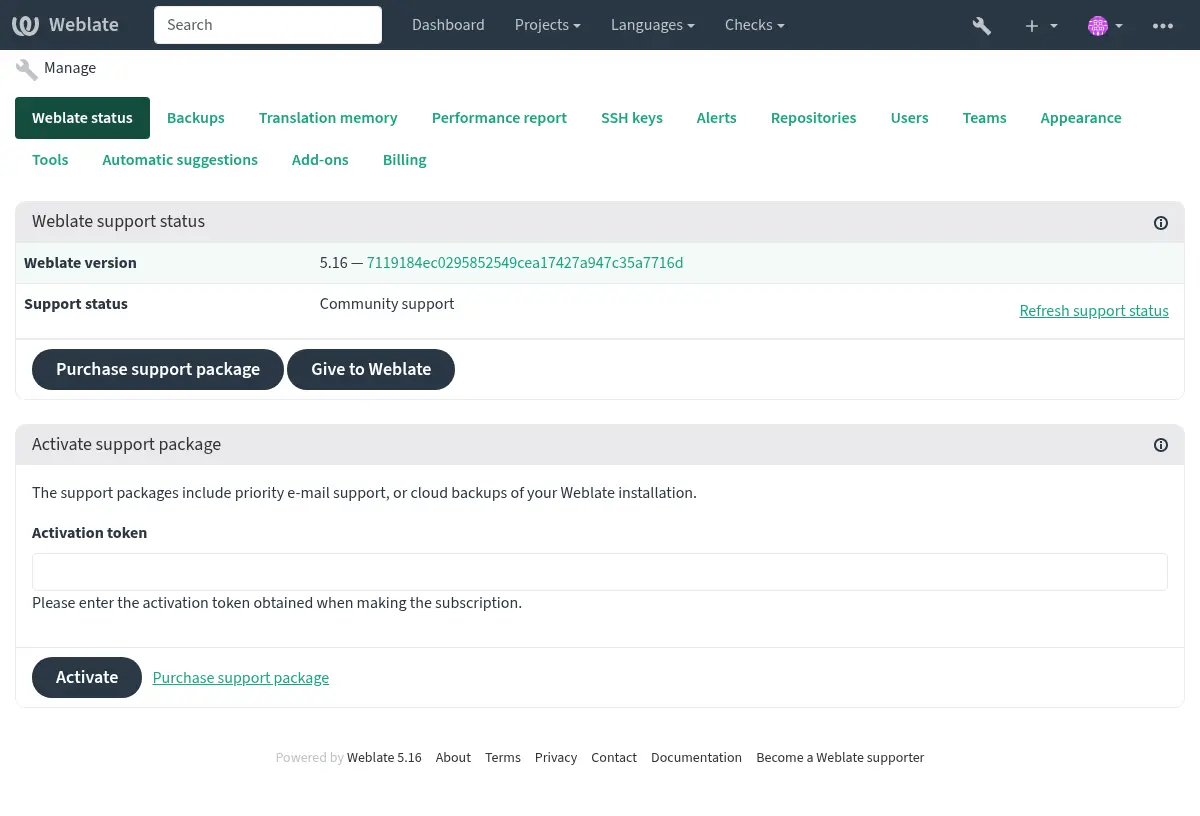
Info sent to the Weblate
Your Weblate instance URL
Its site title
The version you are running
Tallies of projects, components, languages, source strings, and users
The public SSH key of your instance
Additionally, if you turn on Discover Weblate:
List of public projects (name, URL, and website).
Hint
Check what Discover shows publicly in the Discover Weblate description.
No other data is submitted.
Integration services
See if your support package is still valid
Hint
Purchased support packages are already activated upon purchase and can be used without integrating them.
Contacting customer care
Hint
If you do not have a support package yet, please refer to the Reporting issues in Weblate section for available community resources.
Subscribers can reach Weblate Care directly through the following channels:
Email support at care@weblate.org.
The support form is available in the Weblate management interface after Integrating support.
A subscription ensures timely and reliable help with setup, maintenance, and troubleshooting.
Note
Sending encrypted content
If you want to send an encrypted content, please use the public key for
care@weblate.org with ID 0961 62CE 141D 7FE4 B15D A9FA 73D9 298A CB26
03F0.
This public key is available on the most commonly used key servers, using WKD or directly from weblate.org.
Discover Weblate
Added in version 4.5.2.
Discover is an opt-in service making it easier for translators to find other Weblate instances and communities. Users can browse registered sites and find projects to contribute to on https://weblate.org/discover/.
Getting listed
Note
Make sure you are OK with publishing your instance name, URL, tally of projects, components, and users, together with names of public projects and components for use on Discover.
List your server directly from the management panel if you have an active support subscription (Integrating support):
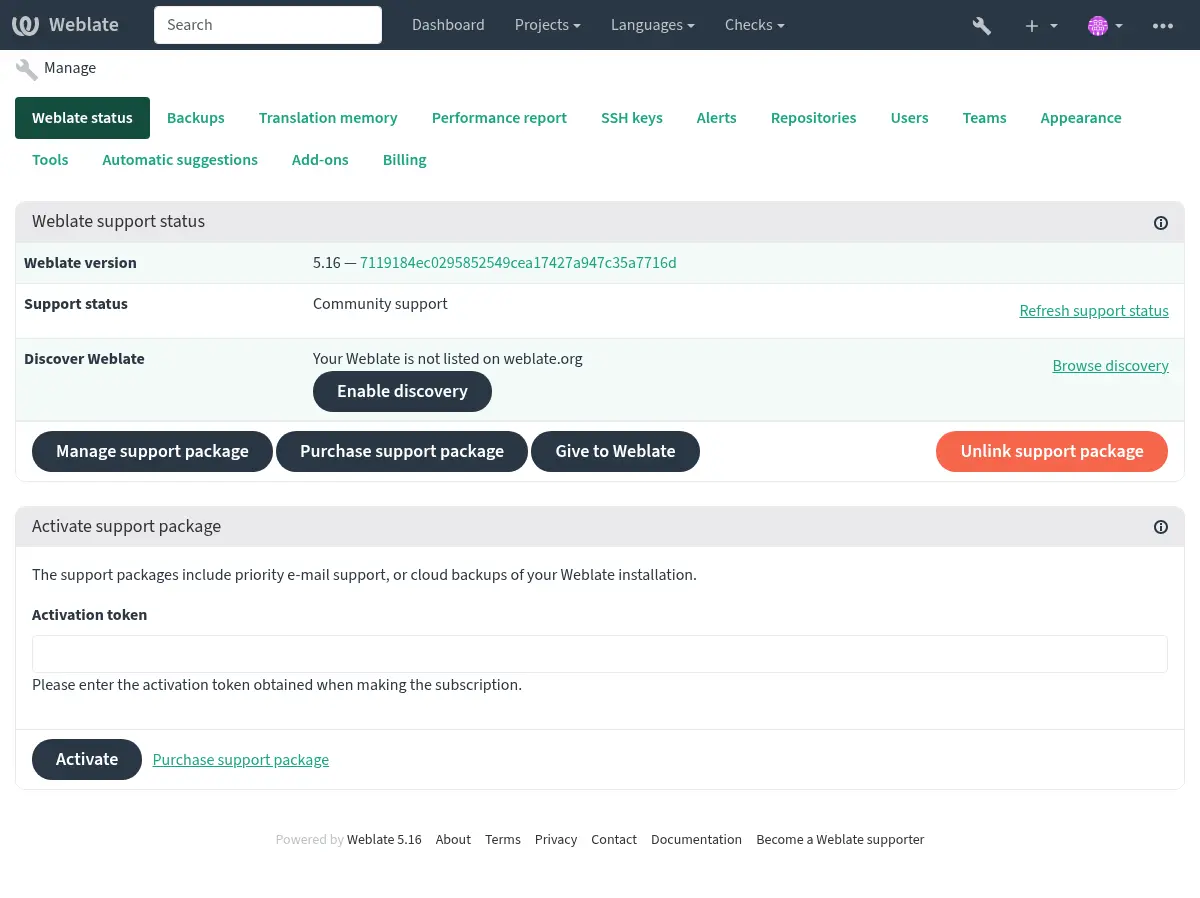
All steps for listing a server without a support contract:
Register yourself at https://weblate.org/user/
Register your Weblate site at https://weblate.org/subscription/discovery/
Confirm you want your Weblate listed by clicking Enable discovery from its management page :
Listing customization
You are encouraged to provide an image (570 x 260 pixels) and description of your Weblate site at https://weblate.org/user/. This improves your instance’s visibility in the list.